For a five-person sales team, per-seat BDR software costs increased with every hire. Quarterly payments created a large bill all at once, while many of the bundled features went unused. The team primarily needed call dialing and wanted to grow without adding another software license for each salesperson.
A focused dialing system
The team wanted a system built around the calling functionality it actually used. The approach replaces a bundled per-seat subscription with a focused dialing system and shared infrastructure, making software licensing less of a consideration when hiring new salespeople.
The cost comparison
SALES TEAMSDR TOOLING
Sales team / SDR tooling
A smaller cost. For every seat.
79.2%lower monthly cost in the August comparison
Before$1,250/mo
August$259.40/mo
Five-person team · $990.60 less for the month.
View the cost breakdown
Previous: 5 seats × $250/month = $1,250/month, billed quarterly at $3,750. August 2026: $219.40 Twilio + $40 infrastructure = $259.40. Allocated across five people: $51.88 each.
Usage and infrastructure
For five people, the previous $250 monthly seat price totaled $1,250 per month, billed as $3,750 quarterly. In August 2026, Twilio usage was $219.40 and infrastructure was $40: $259.40 combined, or $51.88 per person when allocated across the five-person team. That is $990.60 less than the former monthly subscription cost—a 79.2% reduction for that month. Calling usage varies; the new model is based on usage and infrastructure rather than a fixed license charge for each person.
THE SOFTWARE WE BUILT
A closer look at the dialing platform.
A focused workspace for the sales team, supported by shared calling infrastructure.
Built around the call
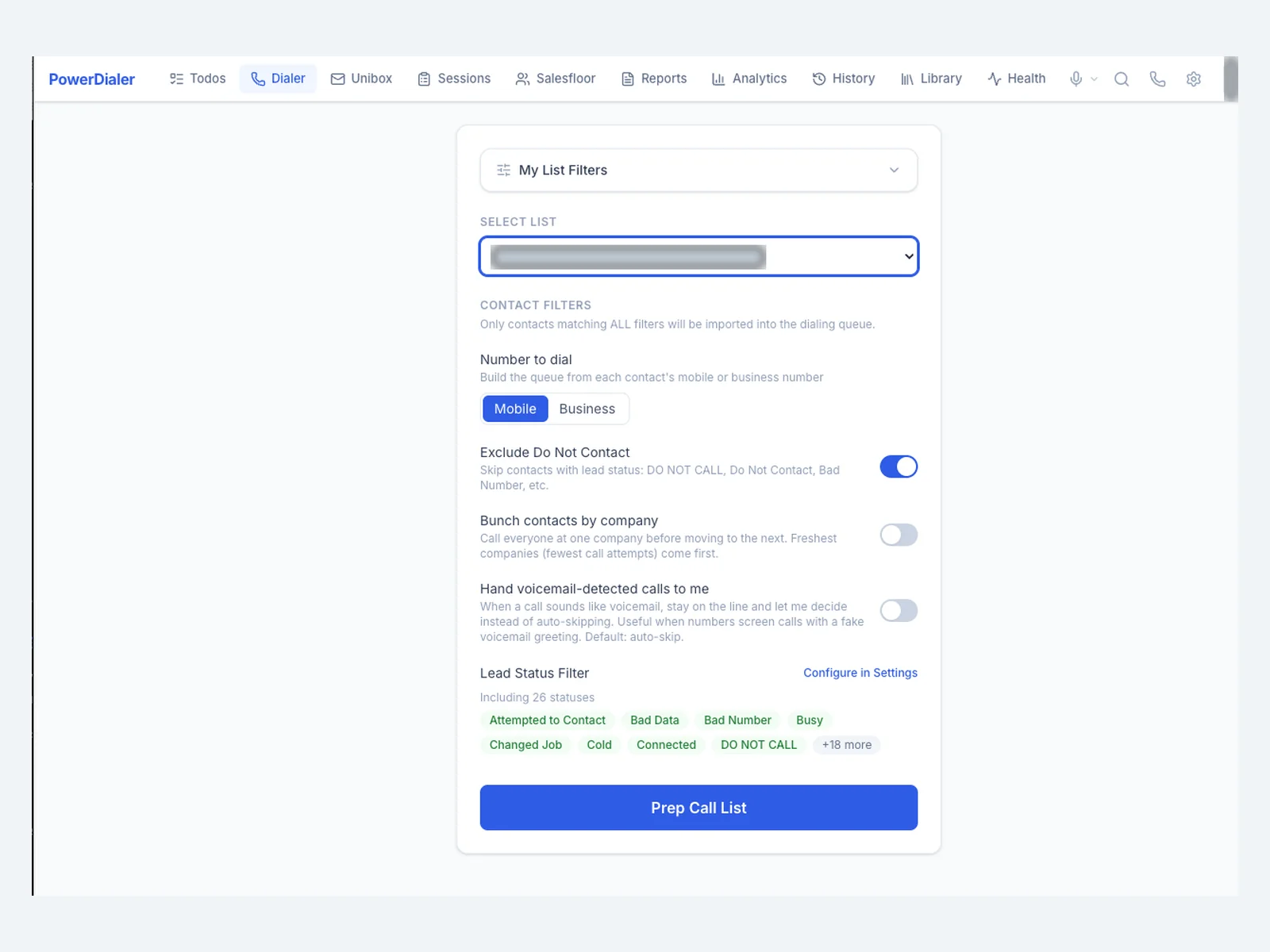
Prepare a list, review the contact, and start dialing from one focused workspace.
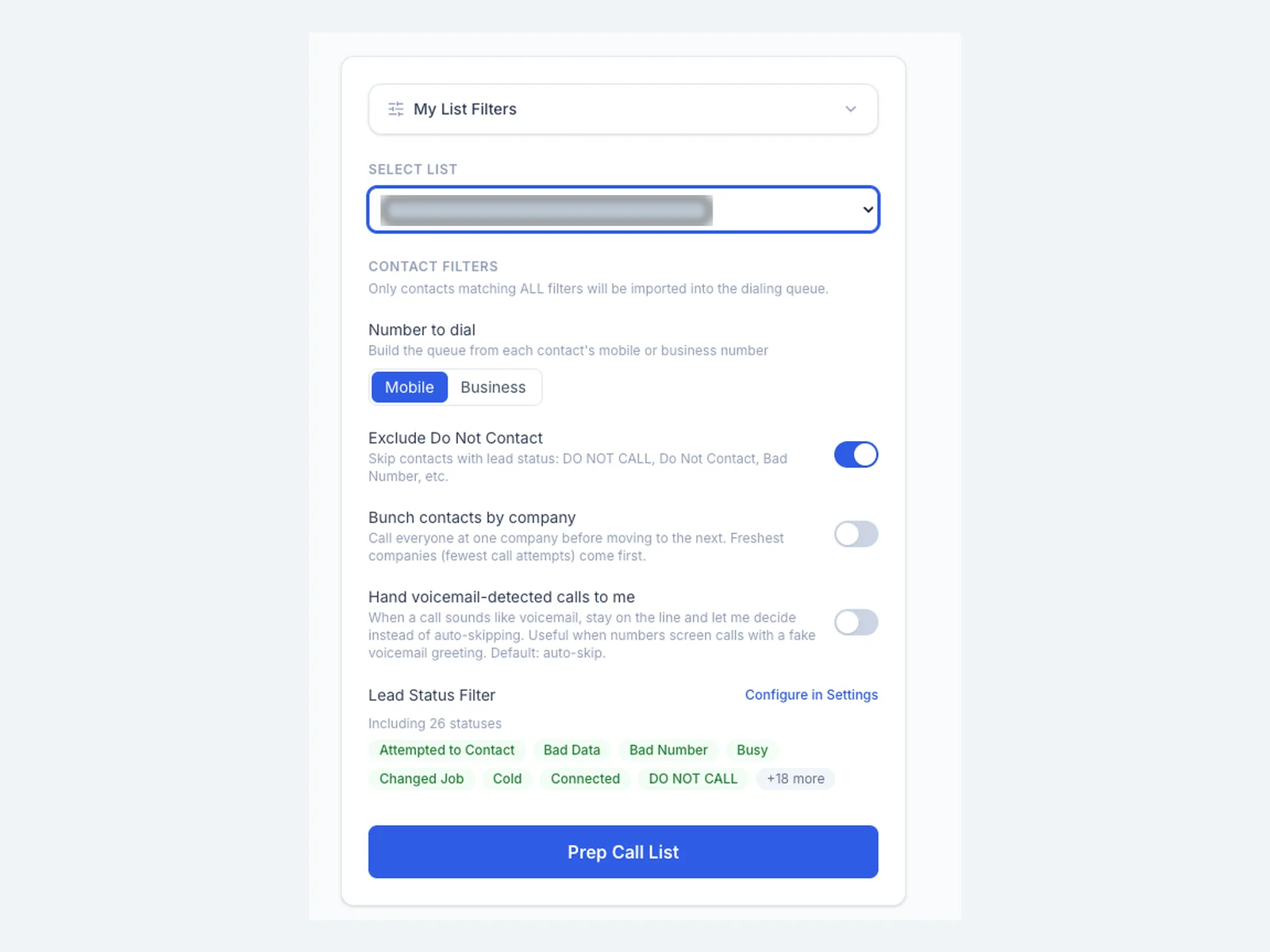
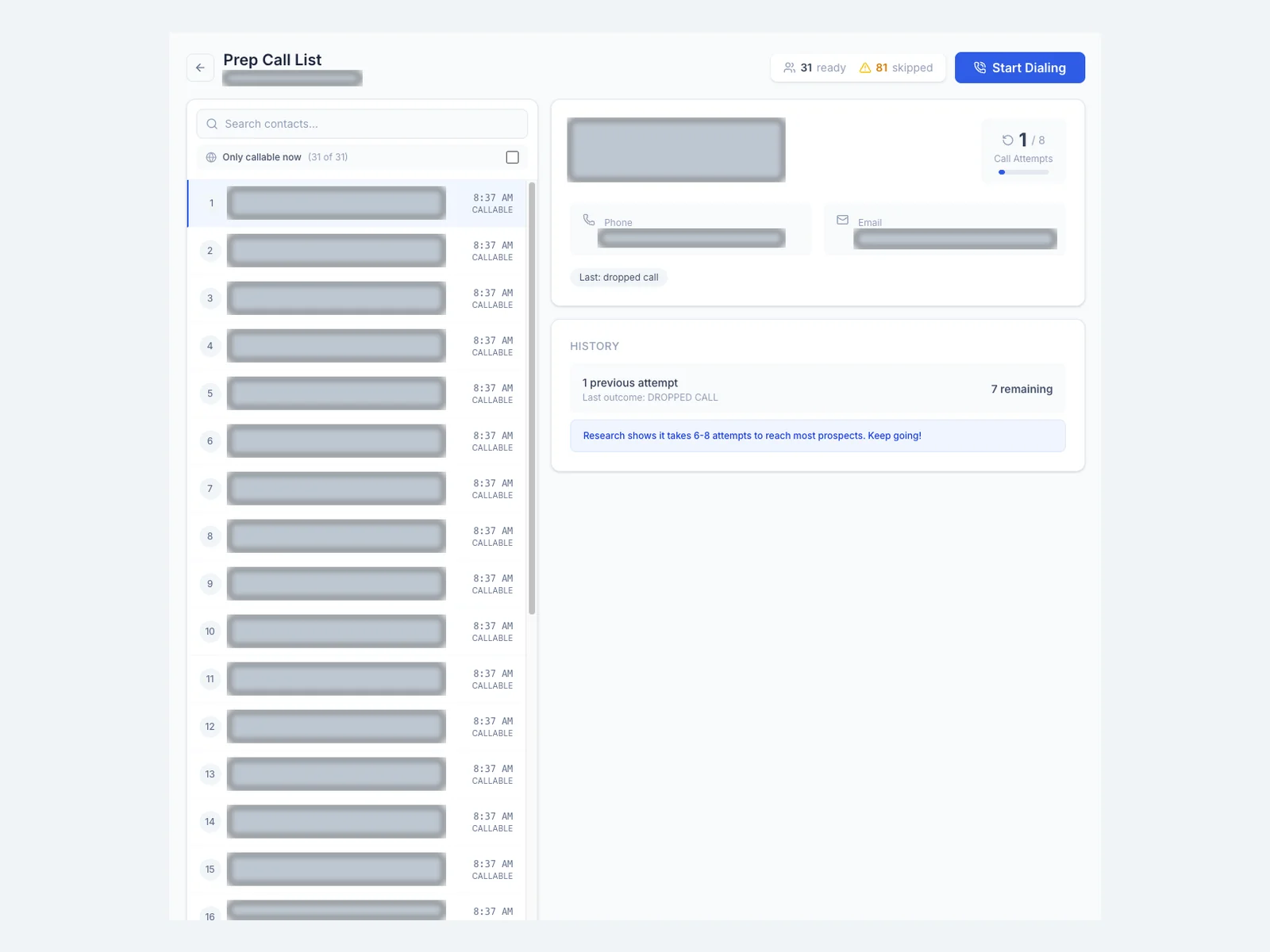
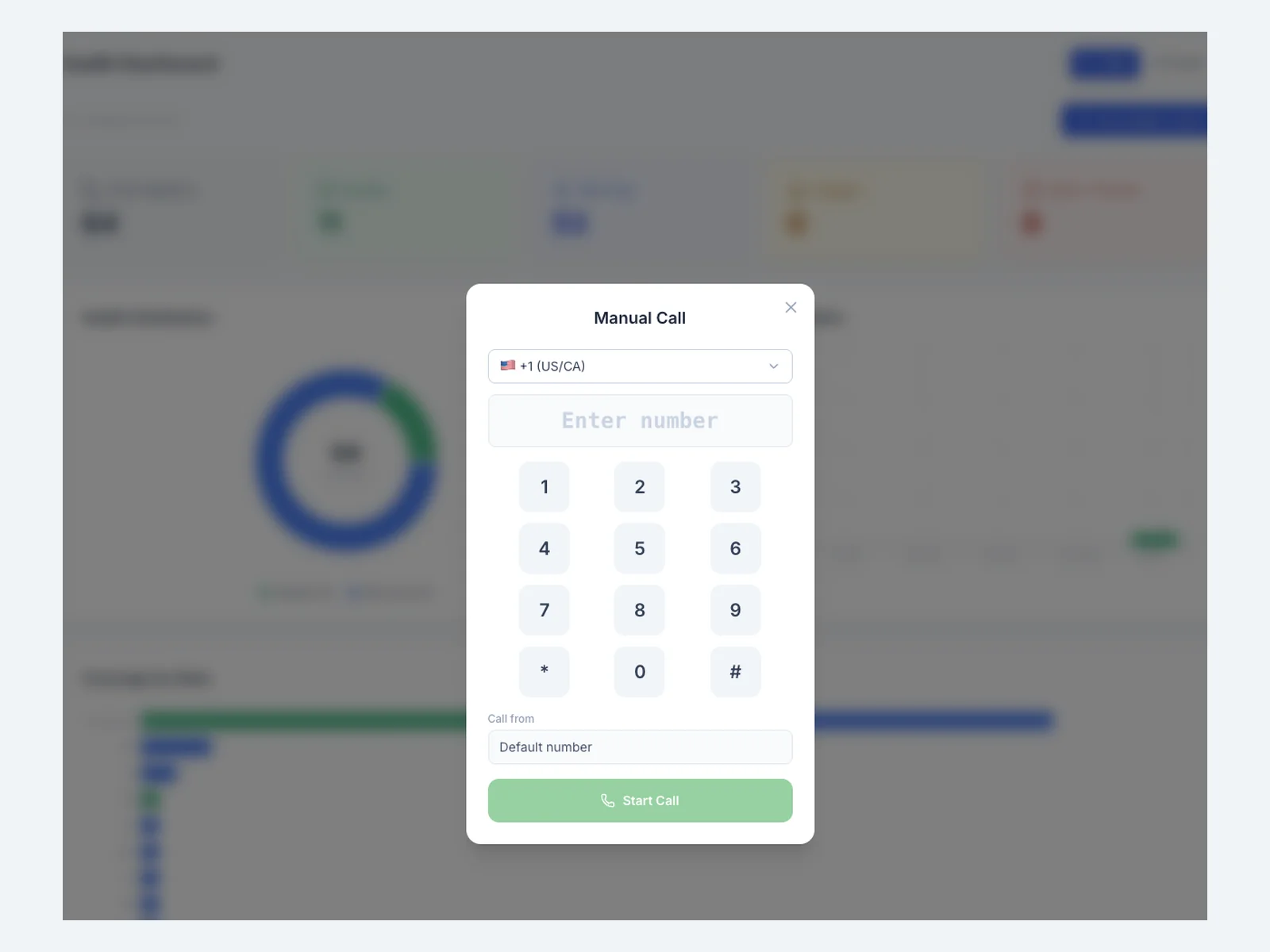
View screenshot ↗The dialing workspaceA central workspace for preparing and starting calls.View screenshot ↗Prepare the right listCall-list filters bring dialing preferences into the preparation flow.View screenshot ↗Contact preparationContact details and call history sit alongside the calling queue.View screenshot ↗Manual dialingA direct dial pad provides another way to place a call.
Keep calling activity organized
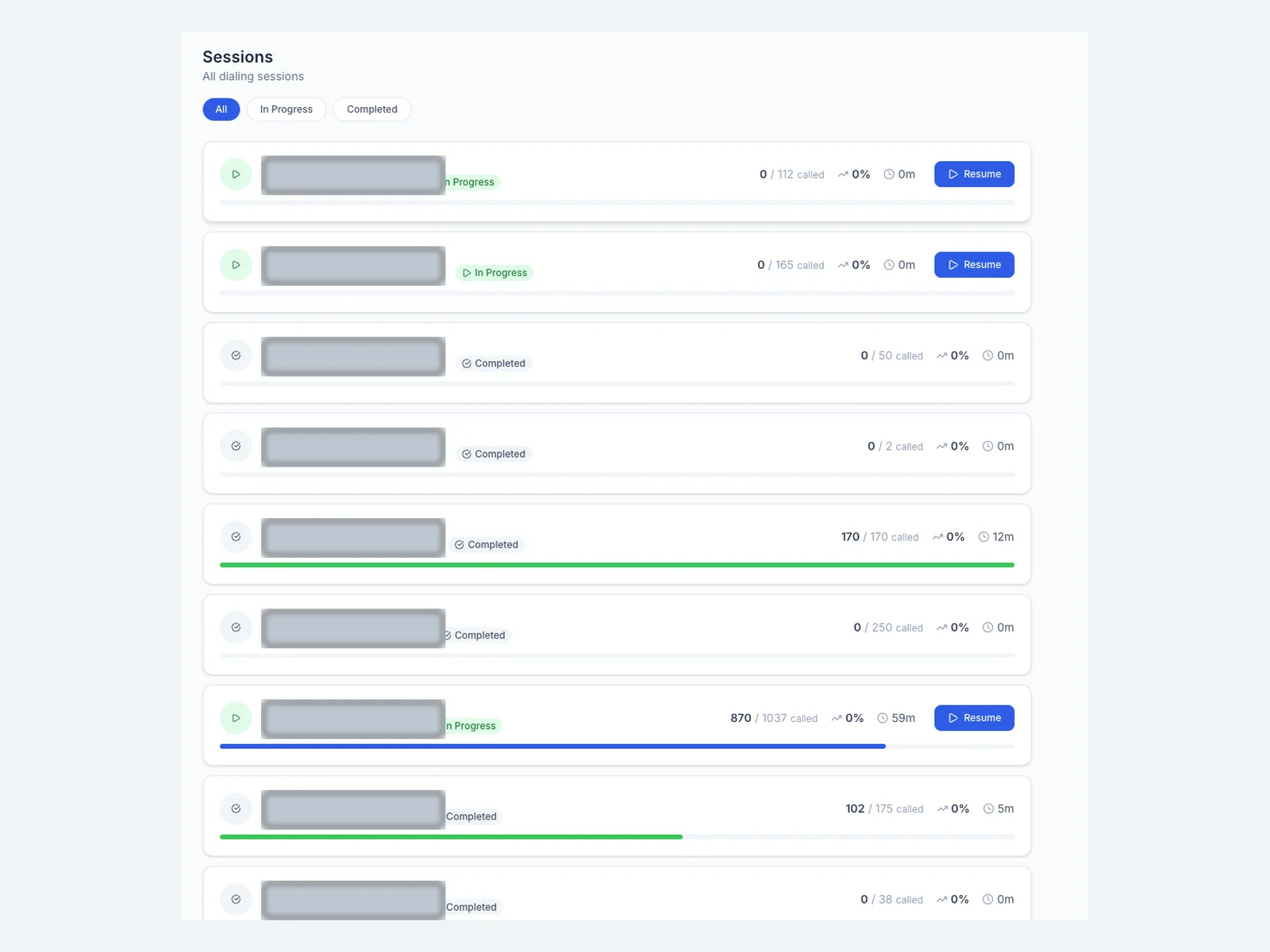
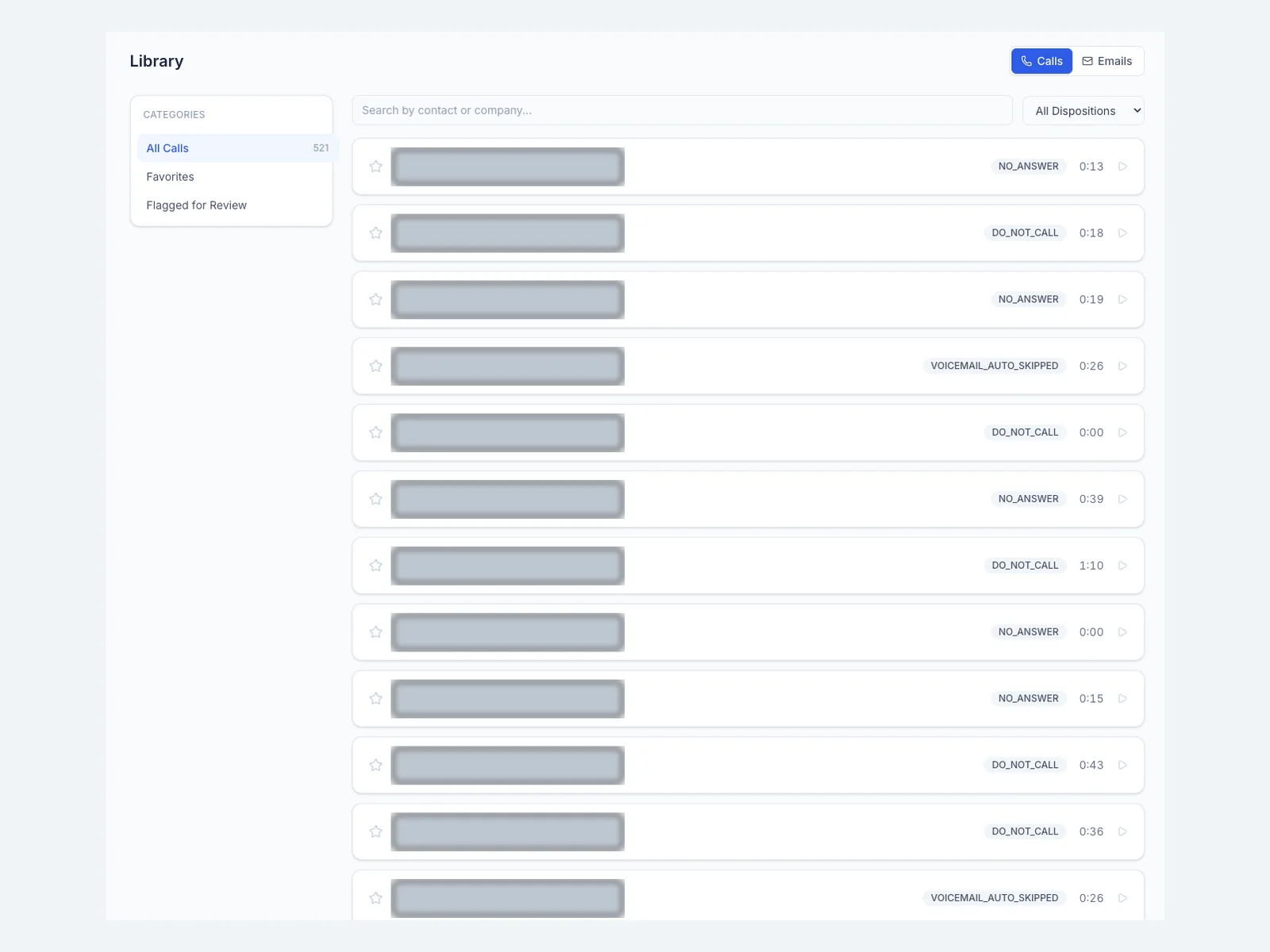
Session and call-library views bring day-to-day activity together.
View screenshot ↗Dialing sessionsA session overview with progress, status, and resume controls.View screenshot ↗Call libraryA searchable call library with outcome filters and playback controls.
Manage the shared infrastructure
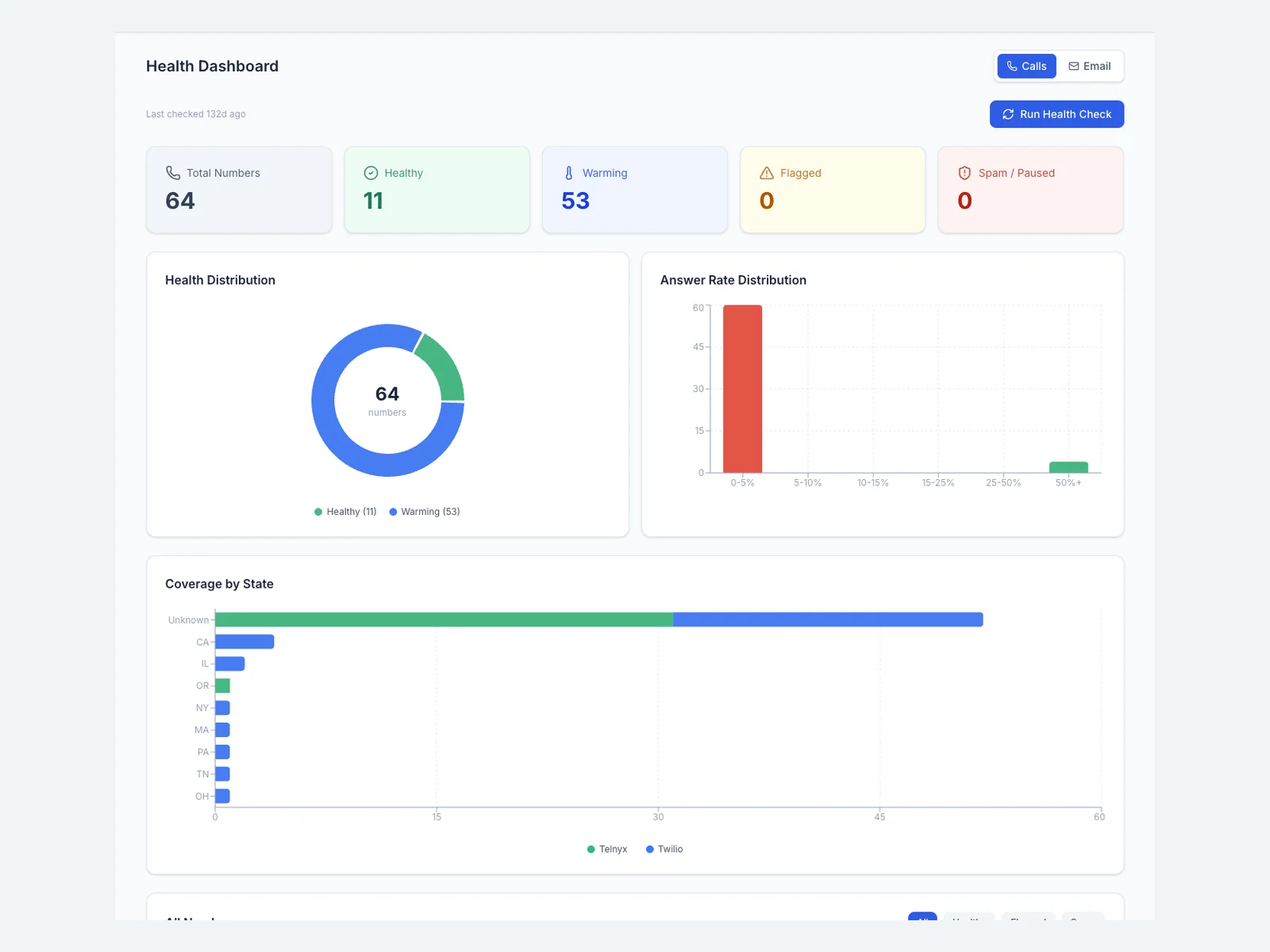
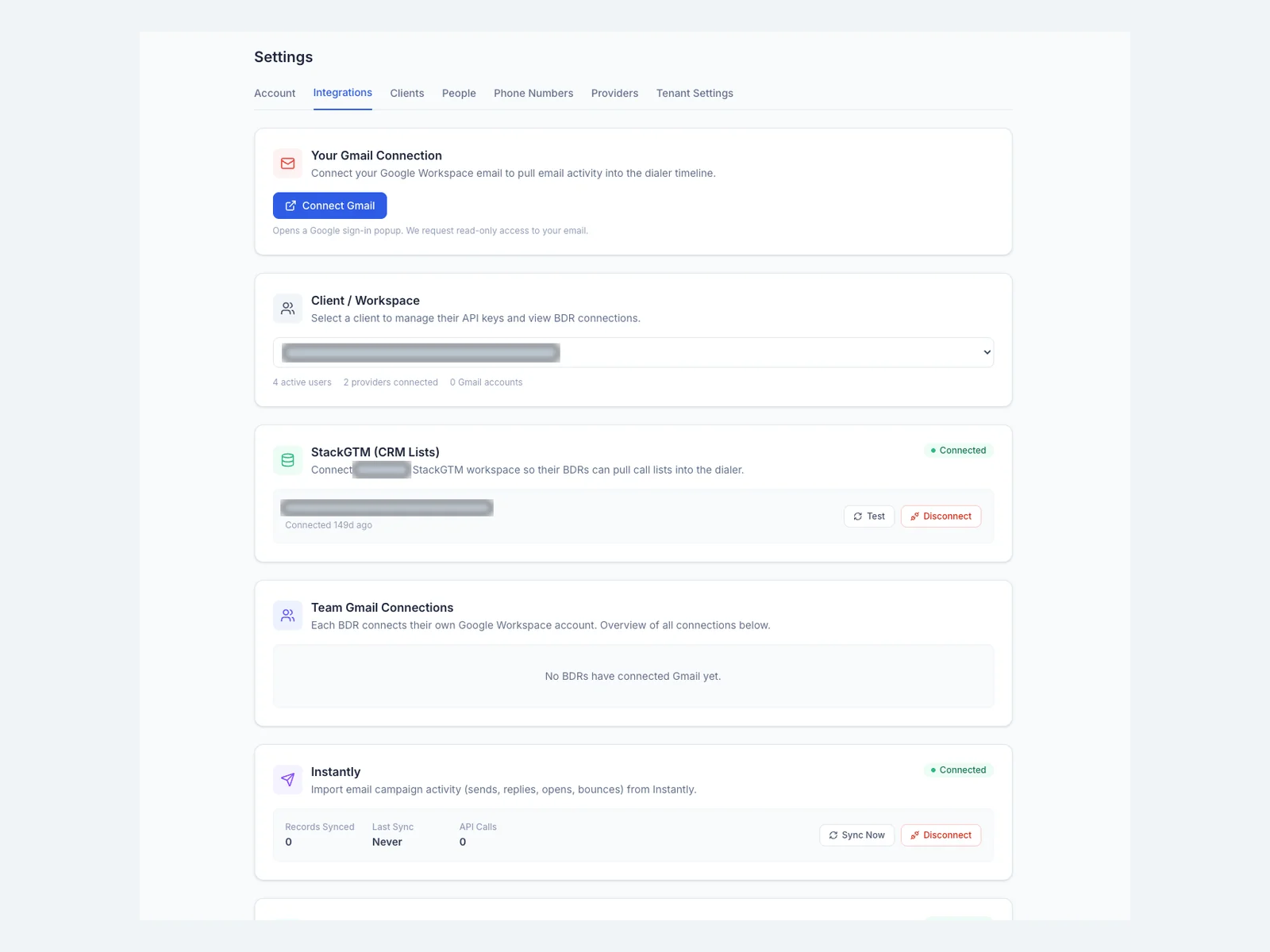
Operational settings support the calling workflow, from integrations to phone-number management.
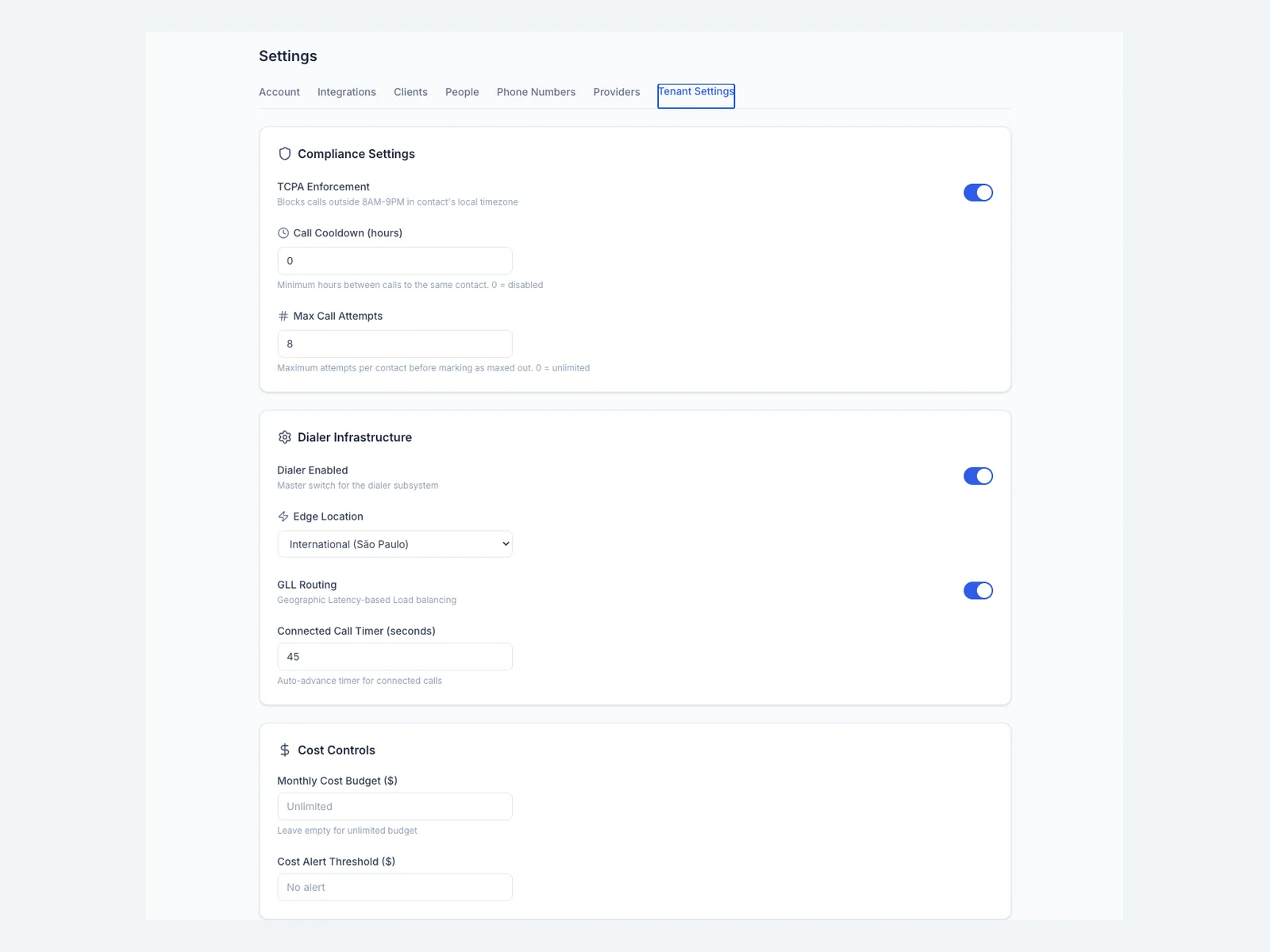
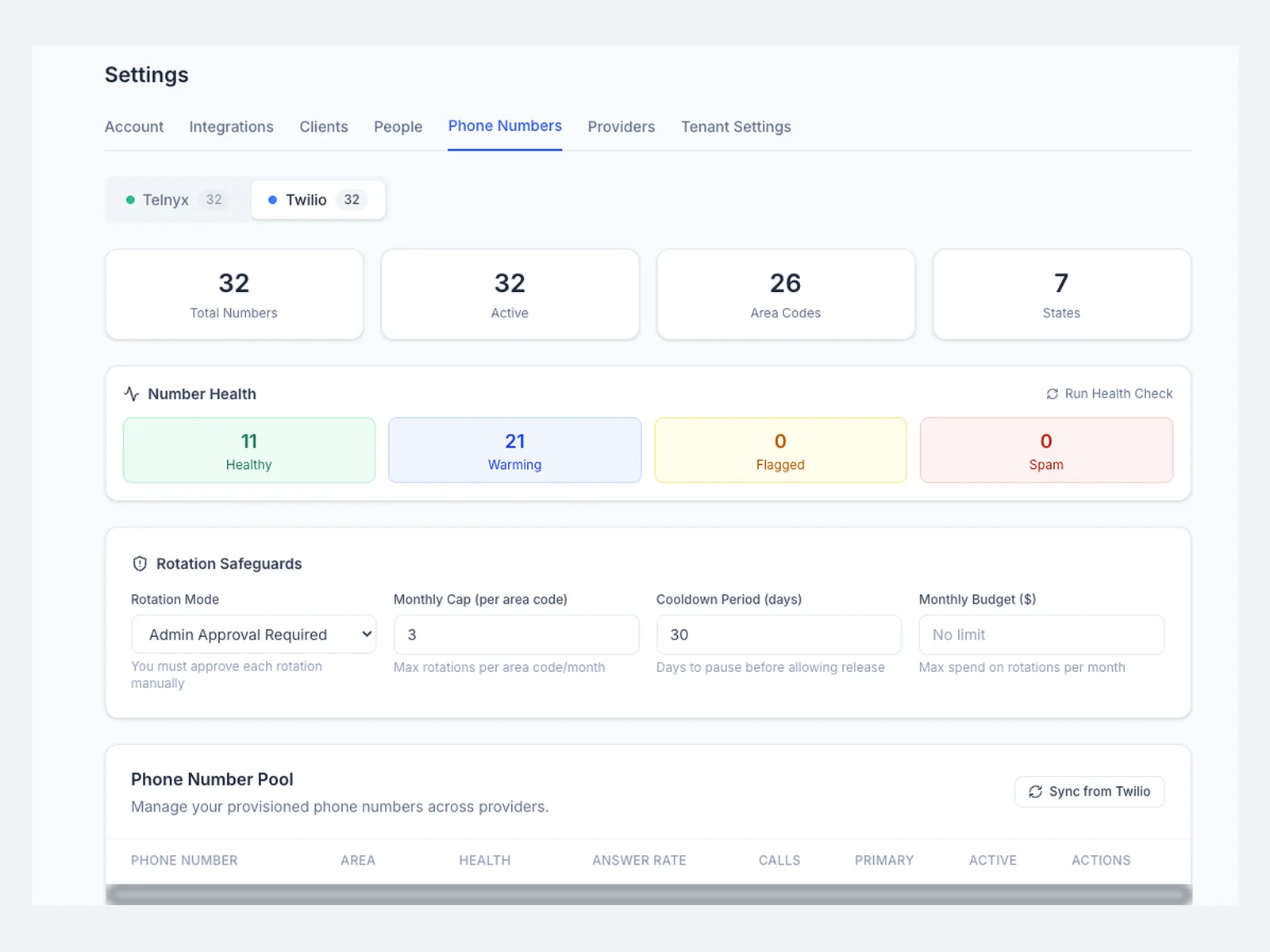
View screenshot ↗Number health dashboardAggregate number health and coverage in one dashboard.View screenshot ↗Connected toolsA settings view for managing CRM and email integrations.View screenshot ↗Dialing controlsShared settings for call attempts, cooldowns, infrastructure, and budgets.View screenshot ↗Phone-number managementProvider, number-health, and rotation settings in a single view.
Room to grow the team
The goal was straightforward: hire the salespeople the business needs without another bundled software seat charge each time. A focused dialing system aligns the software with the team’s actual work, with running costs tied to calling usage and shared infrastructure.
What could work better in your business?
Start with an assessment of your tools, recurring work, and priorities.